 Tabuki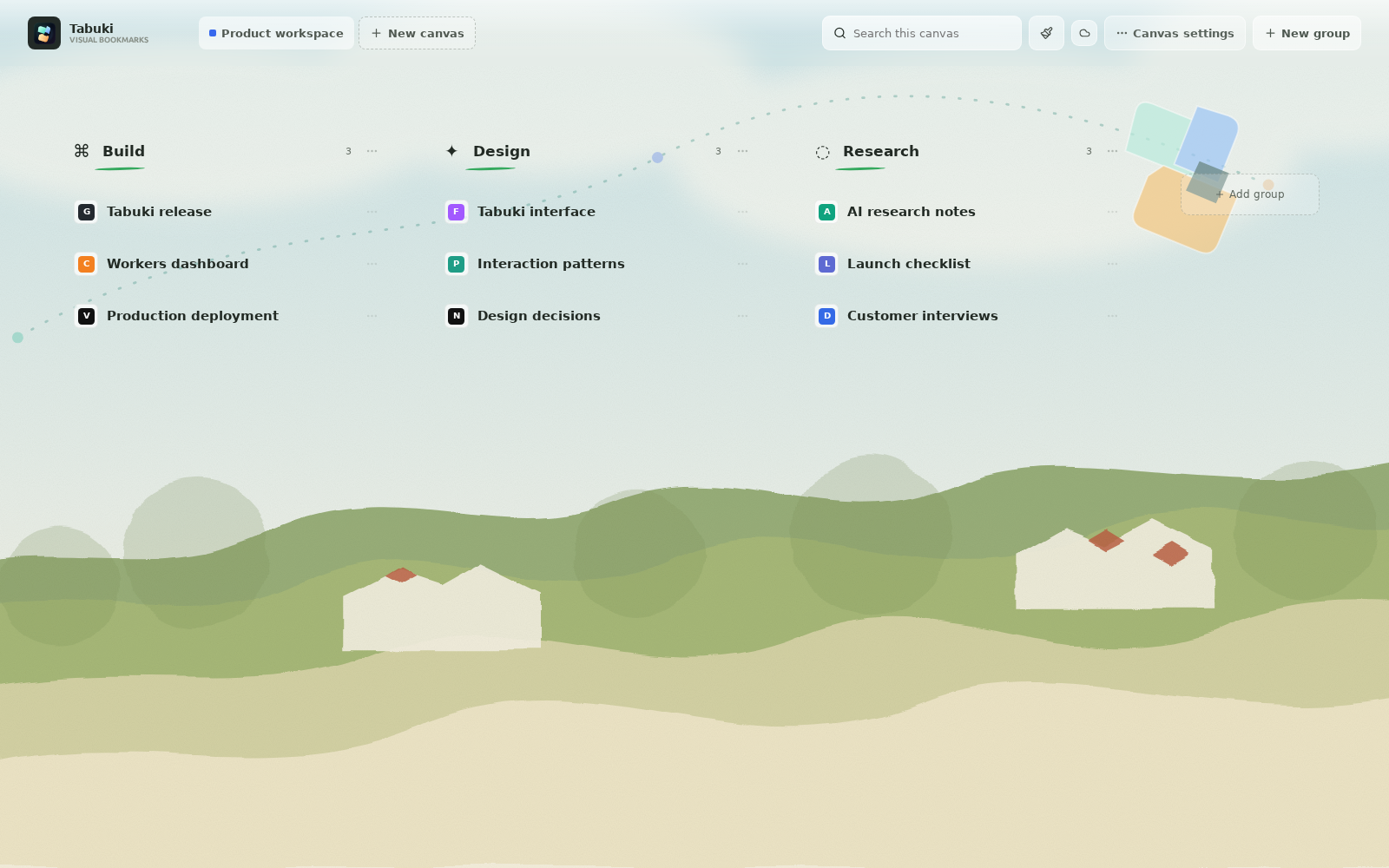
Release notes
Tabuki changelog
Every change to the Tabuki tab manager and visual bookmark extension for Chrome and Edge. The newest release is at the top.
Download Tabuki 3.1.1 ZIPVersion 3.1.1 · 2026-09-29
Cross-device bookmark sync no longer overwrites newer work
Browser sync previously stored the whole workspace and resolved conflicts by whichever device wrote last. A browser that had not yet received a sync update could publish its older copy and discard visual bookmarks saved on another computer. Tabuki now merges the two workspaces record by record instead of replacing one with the other.
- Saved pages, groups, and canvases from both devices are combined by identifier rather than replaced wholesale.
- Each bookmark keeps its own modification time, so the most recent edit to a shared page wins while unrelated pages are left untouched.
- Deleting a bookmark or group records the deletion, so a browser holding an older copy cannot bring the deleted item back.
- Dragging a page into a different group is tracked as a move, so the page no longer appears in both the old and the new group after syncing.
- A workspace written by a newer version of Tabuki is left untouched instead of being replaced with an empty one.
- Global settings such as theme, language, recent-page count, and cleanup count are timestamped separately from bookmark edits.
Version 3.1.0 · 2026-09-27
Separate tab organizing and tab cleanup, plus regional pricing
Organizing open tabs and closing unused tabs became two independent actions, so grouping your browser window never closes a page you still need.
- Organize places recently used tabs into native Chrome and Edge tab groups without closing anything.
- Clean up closes only the selected number of least-recently-used ordinary tabs, protecting the active tab, pinned tabs, and browser-internal pages.
- Regional pricing with monthly, annual, and lifetime Tabuki Pro options.
- Microsoft Edge build support and a downloadable ZIP for manual installation.
Version 3.0.0 · 2026-09-24
Redesigned visual canvas and unified tab search
Version 3 introduced the current workspace model: a visual bookmark canvas you arrange by dragging, and one search box covering both open tabs and saved pages.
- Unified search across open tabs and saved bookmarks by title, URL, canvas, or group.
- Drag any open webpage into an exact group and position on the canvas, keeping the website's own favicon automatically.
- A compact side panel that shows recent pages first and keeps every other tab one search away.
- Five global themes shared by the canvas and the side panel, including handwritten and ink styles.
- Keyboard shortcuts for opening the side panel with search focused and for toggling the canvas.
Versions 2.0.2 – 2.0.5 · September 2026
Workspace reliability and drag-and-drop fixes
The 2.0.x releases hardened workspace storage while the canvas interaction model settled.
- Workspace deletion became atomic, so an interrupted delete no longer left a partial workspace behind.
- The canvas stayed usable after a save conflict instead of blocking further edits.
- Stale workspace restoration was prevented on startup.
- Tab dragging and group synchronization were stabilized.
Keeping up to date
How Tabuki updates reach your browser
Installing from the Chrome Web Store is recommended because Chrome and Edge apply updates automatically in the background. If you loaded Tabuki manually from a ZIP, download the current archive and load it again to update, keeping the extracted folder in place afterwards.