Local extension storage
The primary copy supports normal use in the active browser profile.
 Tabuki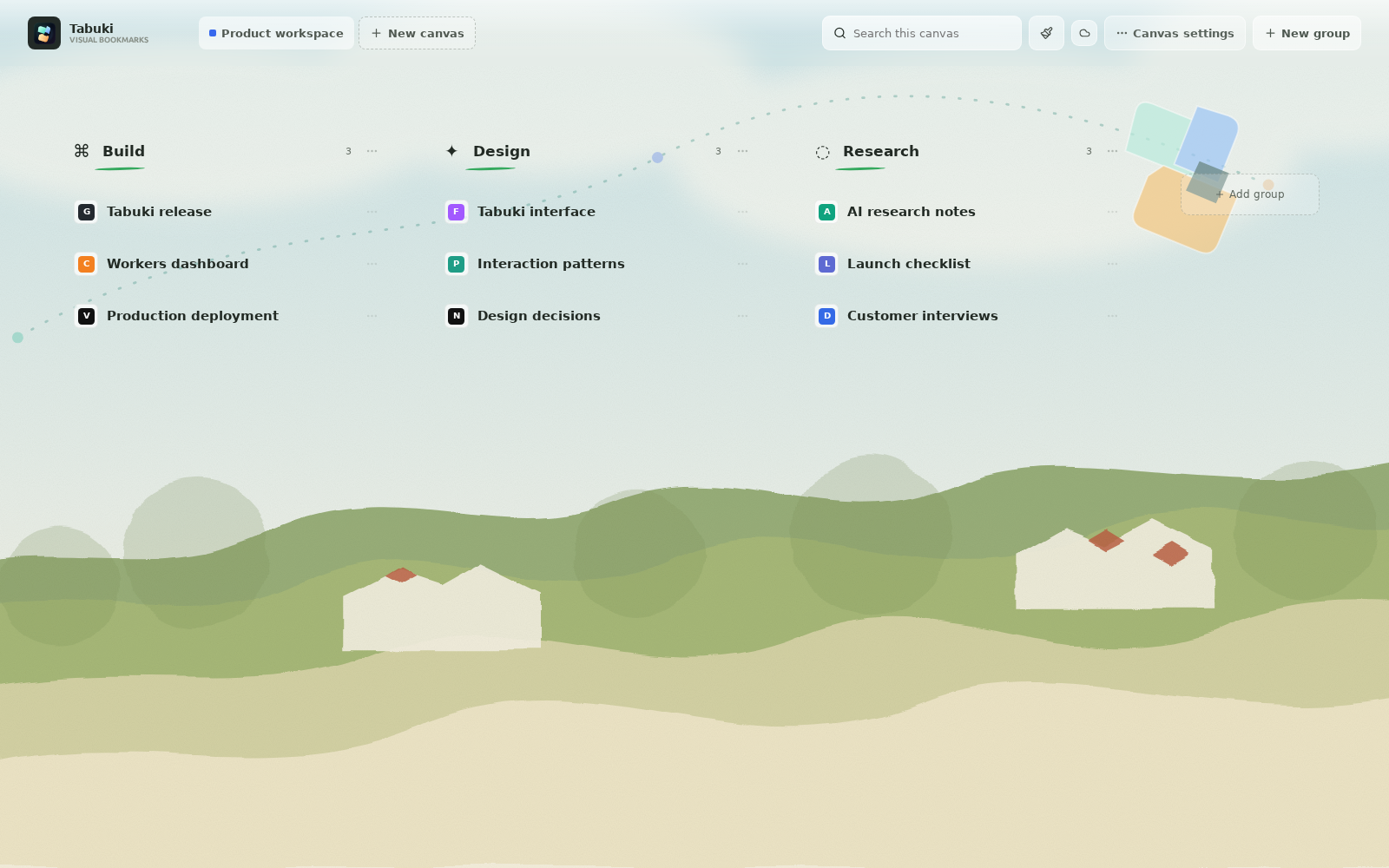
Storage model
Tabuki reads and writes the working copy of your Canvases in browser extension storage. Supported workspace data is also mirrored through Chrome extension sync storage.
What is stored
Workspace state includes Canvas and group names, saved page titles and URLs, website favicons, ordering, language, recent-page count, and global theme.
The primary copy supports normal use in the active browser profile.
Tabuki splits supported state into chunks that fit browser sync quotas and mirrors changes when the browser permits it.
An email address is used only when buying or restoring Pro access; Pro controls creation and theme limits.
Practical limits
Availability, timing, quota, and cross-device delivery depend on Chrome or Edge account and sync settings. Tabuki keeps a local copy and does not describe browser sync as a separate VIP bookmark cloud.